“John the Ripper” – is a fast password cracker. Its primary purpose is to detect weak Unix passwords.
John the Ripper (also called simply ‘John’ ) is the most well known free password cracking tool that owes its success to its user-friendly command-line interface. John has autodetect capability.
- In case you have a twofold apportionment, by then there’s nothing for you to organize and you can start using John instantly. Cracking password using John the Ripper. In Linux, mystery word hash is secured in/et cetera/shadow record. For this action, I will make another customer names john and dole out a clear watchword “mystery word” to him.
- The password command is a Linux program that provides a wizard to set a user’s password. For these users, I set very easy passwords that I know JTR will be able to crack.
- John the Ripper. John the Ripper is a great tool for cracking passwords using some famous brute for attacks like dictionary attack or custom wordlist attack etc. It is even used to crack the hashes or passwords for the zipped or compressed files and even locked files as well. It has many available options to crack hashes or passwords.
- Sep 18, 2005 the one problem with john the ripper is that it’s picky about the files that it gets inputted. In order to crack the.htpasswd files, you must edit them to make them appear like regular unix /etc/passwd files. This means adding extra fields, like this.
Most likely you do not need to install “John the Ripper” system-wide.
Instead, after you extract the distribution archive and possibly compile the source code (see below), you may simply enter the “run” directory and invoke John from there.
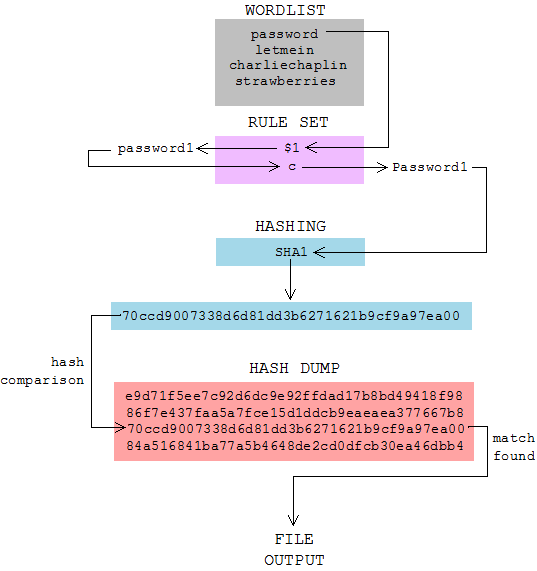
Compiling “John the Ripper”
Step 1: Download the latest version of ““John the Ripper”” and its signature
Step 2: Confirm the signature
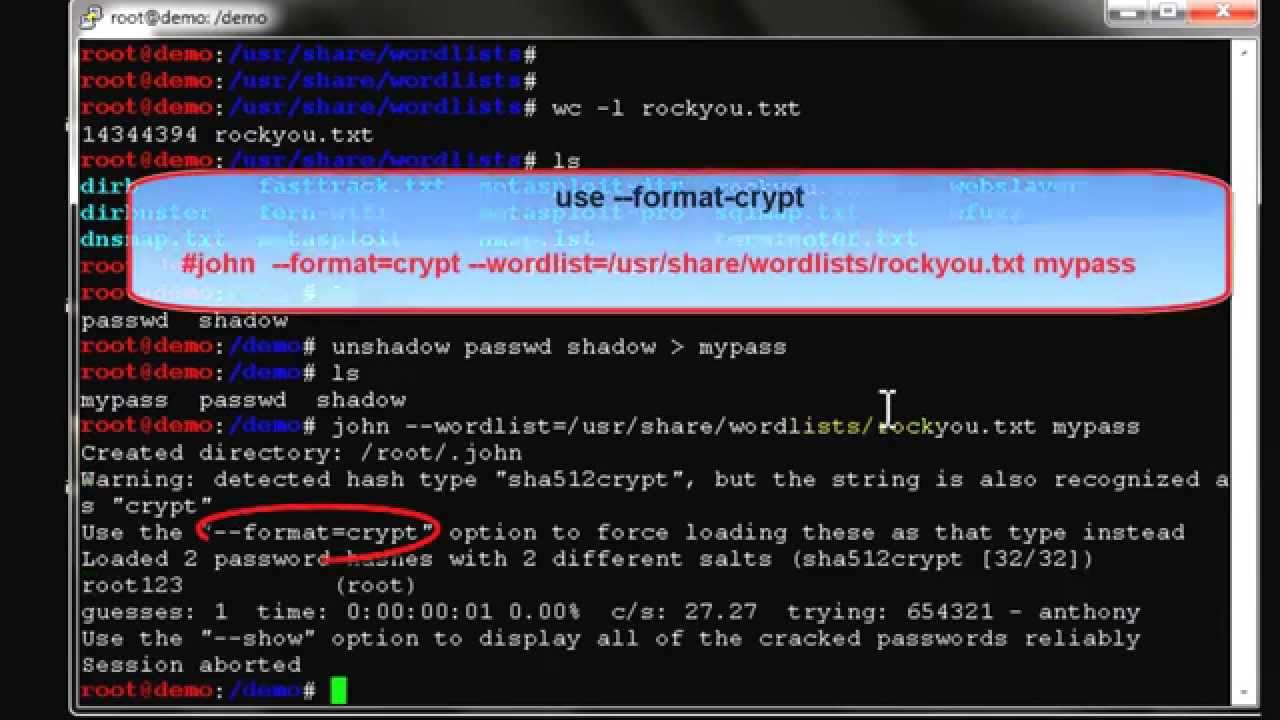
This is a safety measure as we are dealing with dangerous thing.
Install the public key:
Check the signature:
You will see the message similar to the above. Ignore the warning as long as it says Good signature from “Openwall Project … “.
The warning is normal, see http://www.kernel.org/signature.html for more details.
Step 3: Uncompress and compile the sources
Note the make target for your system and type:
Where <system> is the appropriate make target. Alternatively, if your system is not listed, use:
If everything goes well, this will create the executables for John and its related utilities under “../run/”.
Alternatively, you may copy the entire “run” directory to anywhere you like and use John from there.

Now you can change directory to there and test John, like this:
Installing “John the Ripper” on Ubuntu
Execute the next command to install “John the Ripper” on Ubuntu:
Installing “John the Ripper” on CentOS/RHEL
Crack Htpasswd John The Ripper No Password Download
Execute the next command to install “John the Ripper” on CentOS/RHEL:
“John the Ripper” – is a fast password cracker. Its primary purpose is to detect weak Unix passwords.
Most likely you do not need to install “John the Ripper” system-wide.
Instead, after you extract the distribution archive and possibly compile the source code (see below), you may simply enter the “run” directory and invoke John from there.
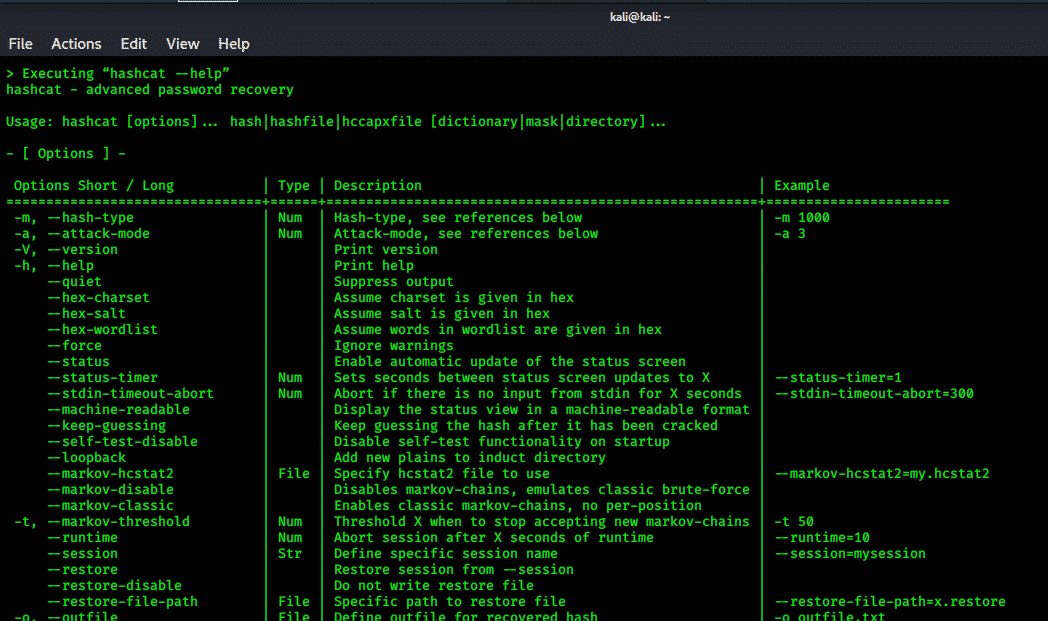
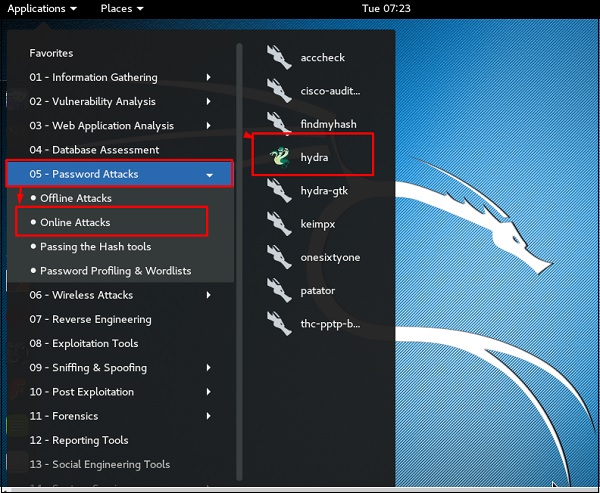
Compiling “John the Ripper”
Step 1: Download the latest version of ““John the Ripper”” and its signature
Step 2: Confirm the signature
This is a safety measure as we are dealing with dangerous thing.
Install the public key:
Check the signature:
You will see the message similar to the above. Ignore the warning as long as it says Good signature from “Openwall Project … “.
The warning is normal, see http://www.kernel.org/signature.html for more details.
Step 3: Uncompress and compile the sources
Note the make target for your system and type:
Where <system> is the appropriate make target. Alternatively, if your system is not listed, use:
If everything goes well, this will create the executables for John and its related utilities under “../run/”.
Alternatively, you may copy the entire “run” directory to anywhere you like and use John from there.
Now you can change directory to there and test John, like this:
Installing “John the Ripper” on Ubuntu
Execute the next command to install “John the Ripper” on Ubuntu:
Installing “John the Ripper” on CentOS/RHEL
Crack Htpasswd John The Ripper No Password Change
Execute the next command to install “John the Ripper” on CentOS/RHEL: